

Skip to content
CenobifyCenobify
Sign in
Ask for a demonstrationDemonstration

From quotation to invoice without typing anything twice.

Cenobify is business-management software for small companies: quotations, orders, delivery notes, invoices and expenses in one place. The application and the documents, in Catalan, Spanish or English.

We have not opened to the public yet. We will show it to you ourselves, and take our time over it.

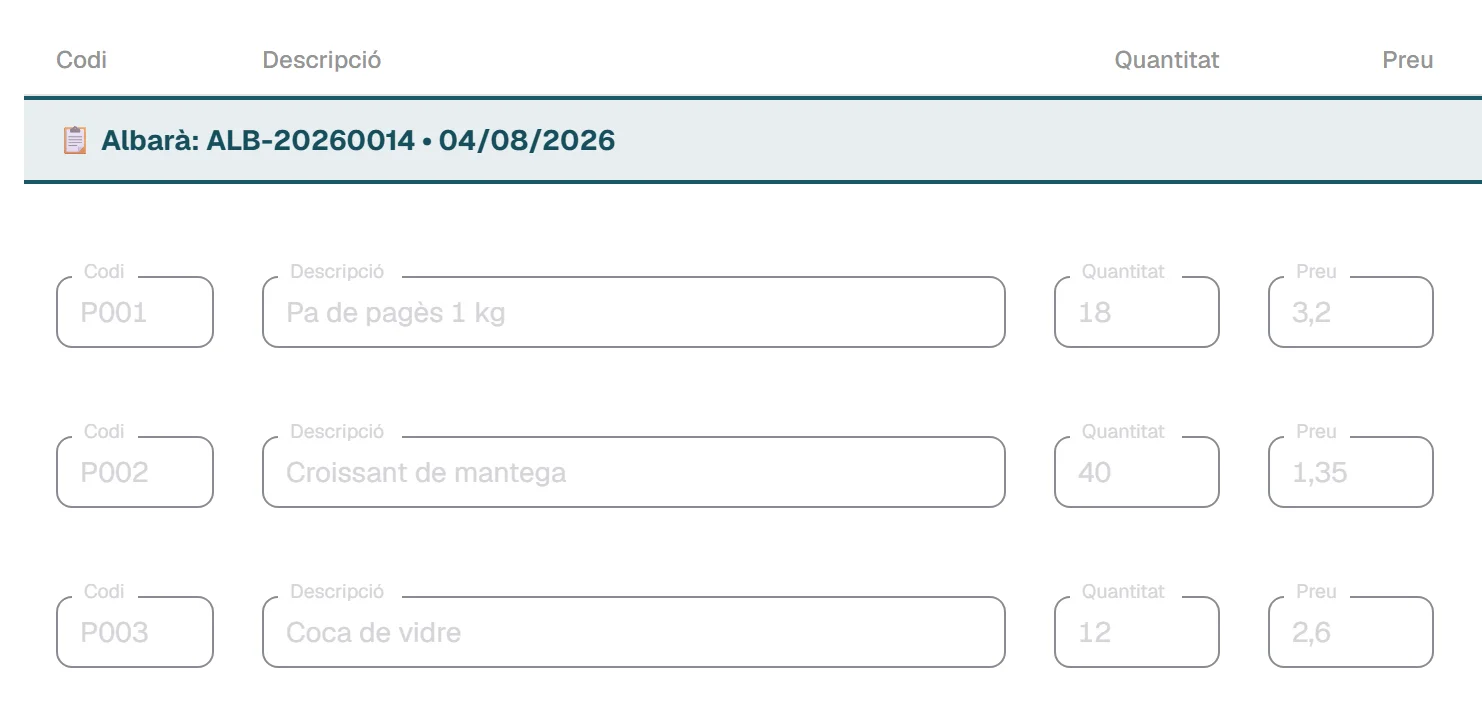
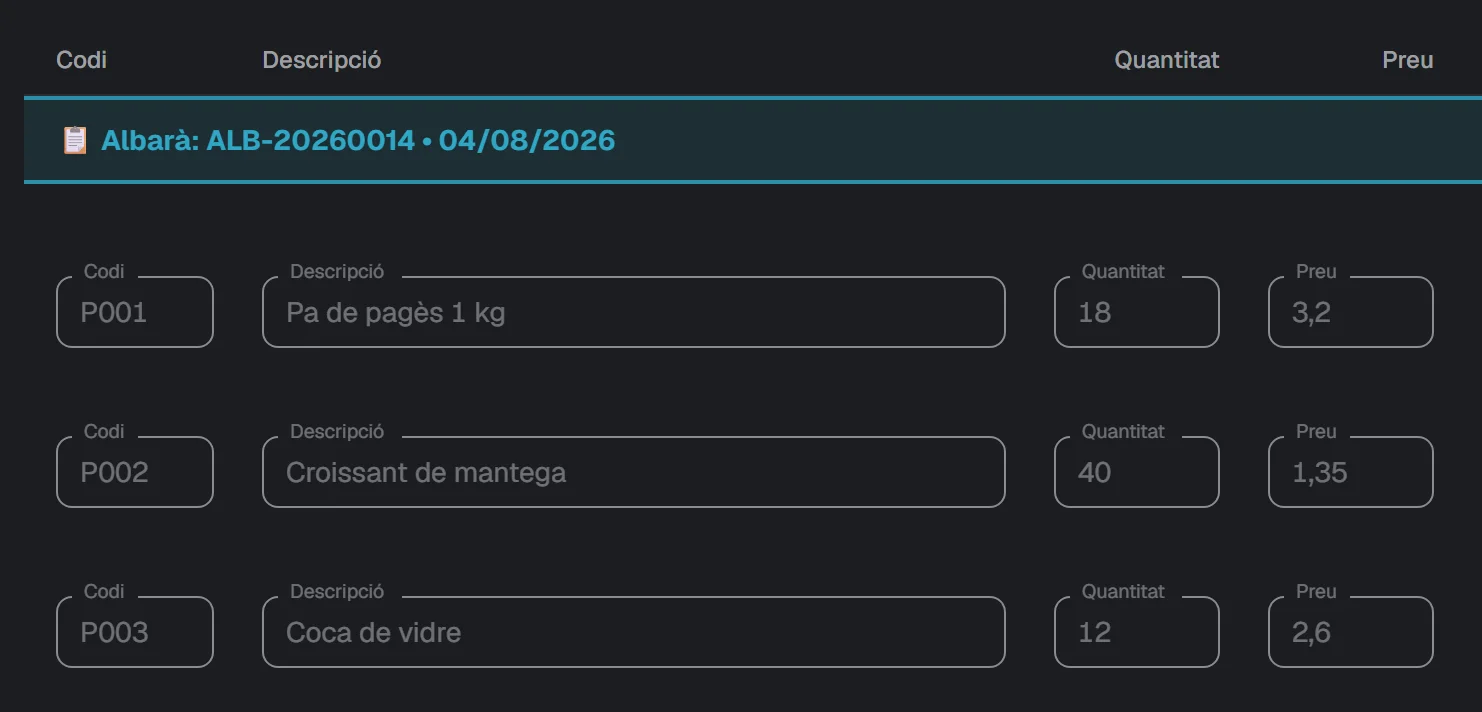
Screen of an issued invoice in Cenobify, with the lines grouped under the code and date of each delivery note.Screen of an issued invoice in Cenobify, with the lines grouped under the code and date of each delivery note.

An issued invoice. The lines come from the month’s delivery notes and keep their code and date. Sample data: Forn Vila SL.

Which company is most like yours?

Choose the closest one.

  • We write quotations and work to order

    Installers, maintenance and services. Quotations in sections, tasks with the hours spent on them, and clocking in and out for the working day.

    See the quotations
  • We run more than one company

    A single account for two or three companies. Each one with its own numbering, its own modules and its own people.

    See companies and permissions

None of these? See all the modules

Each document comes from the one before

Work comes in as a quotation or as an order. From there comes the delivery note and, from the delivery notes, the invoice. The lines are typed only once.

QuotationOrderDelivery noteInvoiceQuotationOrderDelivery noteInvoice
These are the arrows that exist, and no others.
  1. A quotation or an order comes in

    Quotation. You build it in sections, with a template if you repeat it often. If the client has an agreed price for a product, it comes up on its own.

    A quotation in sections: one named section and its lines.A quotation in sections: one named section and its lines.
    A quotation grouped into sections. Sample data: Forn Vila SL.

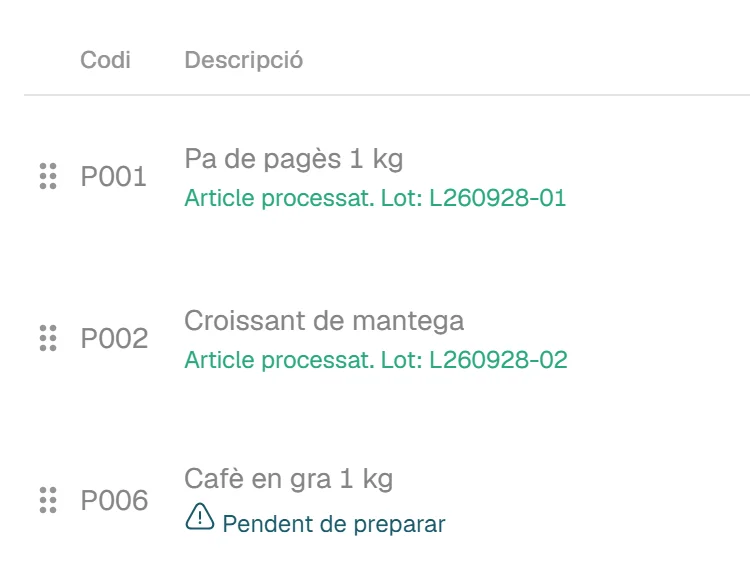
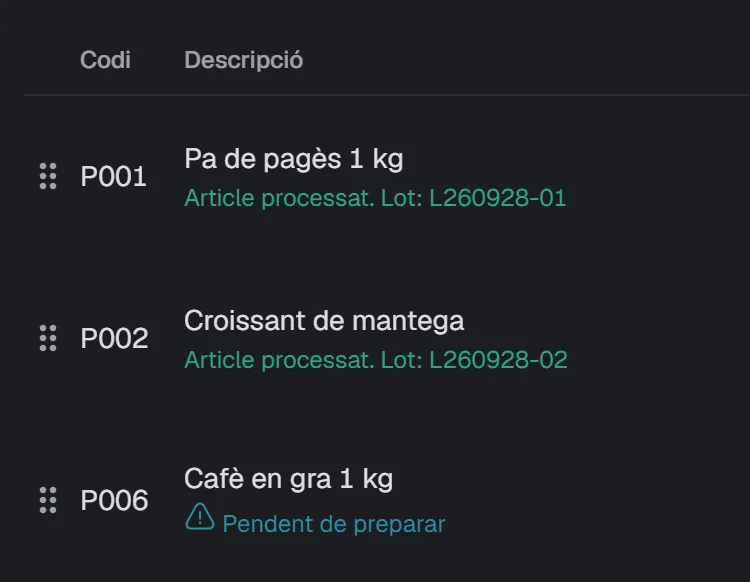
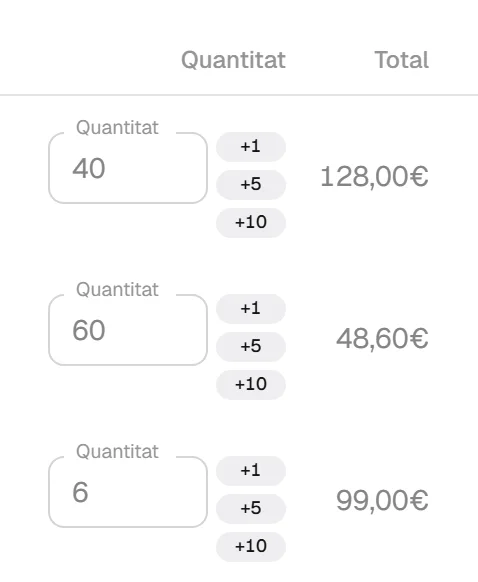
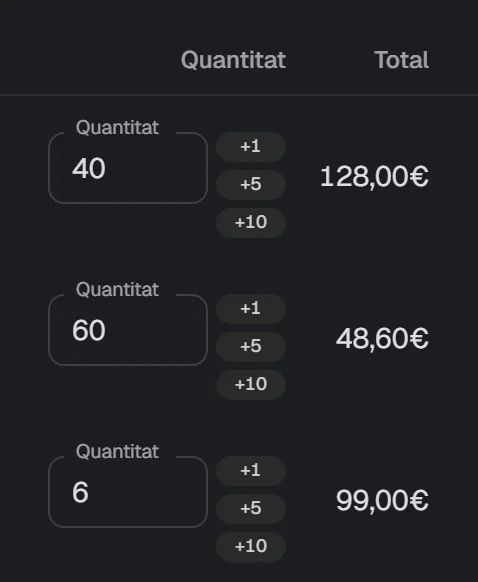
    Order. Each line has the quantity ordered and says whether it has been prepared. The warehouse can prepare it from the tablet.

    Table of the lines of an order: two lines already prepared, with their lot, and two still to be prepared.Table of the lines of an order: two lines already prepared, with their lot, and two still to be prepared.
    The lines of an order: those already prepared and those still to do. Sample data: Forn Vila SL.

    Limits

    • There is no step from quotation to order, or from order to invoice.
  2. The delivery note comes out of it

    From the prepared order or the accepted quotation, with one button. With or without prices: you can set it client by client.

    • An order is converted into a delivery note only once.
    • You can print it in the office.
    With prices
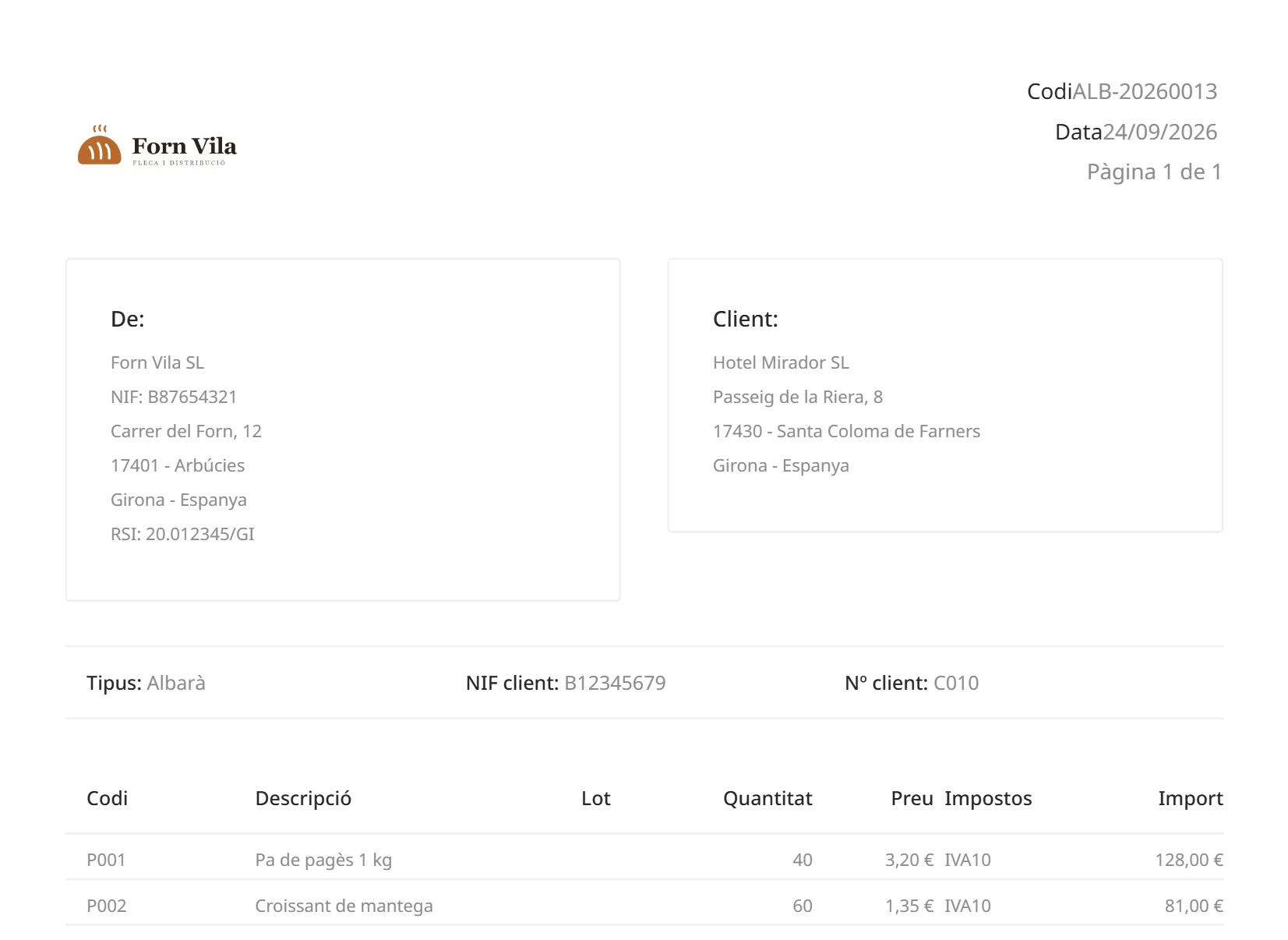
    First page of the PDF of a delivery note with the price column.
    Without prices
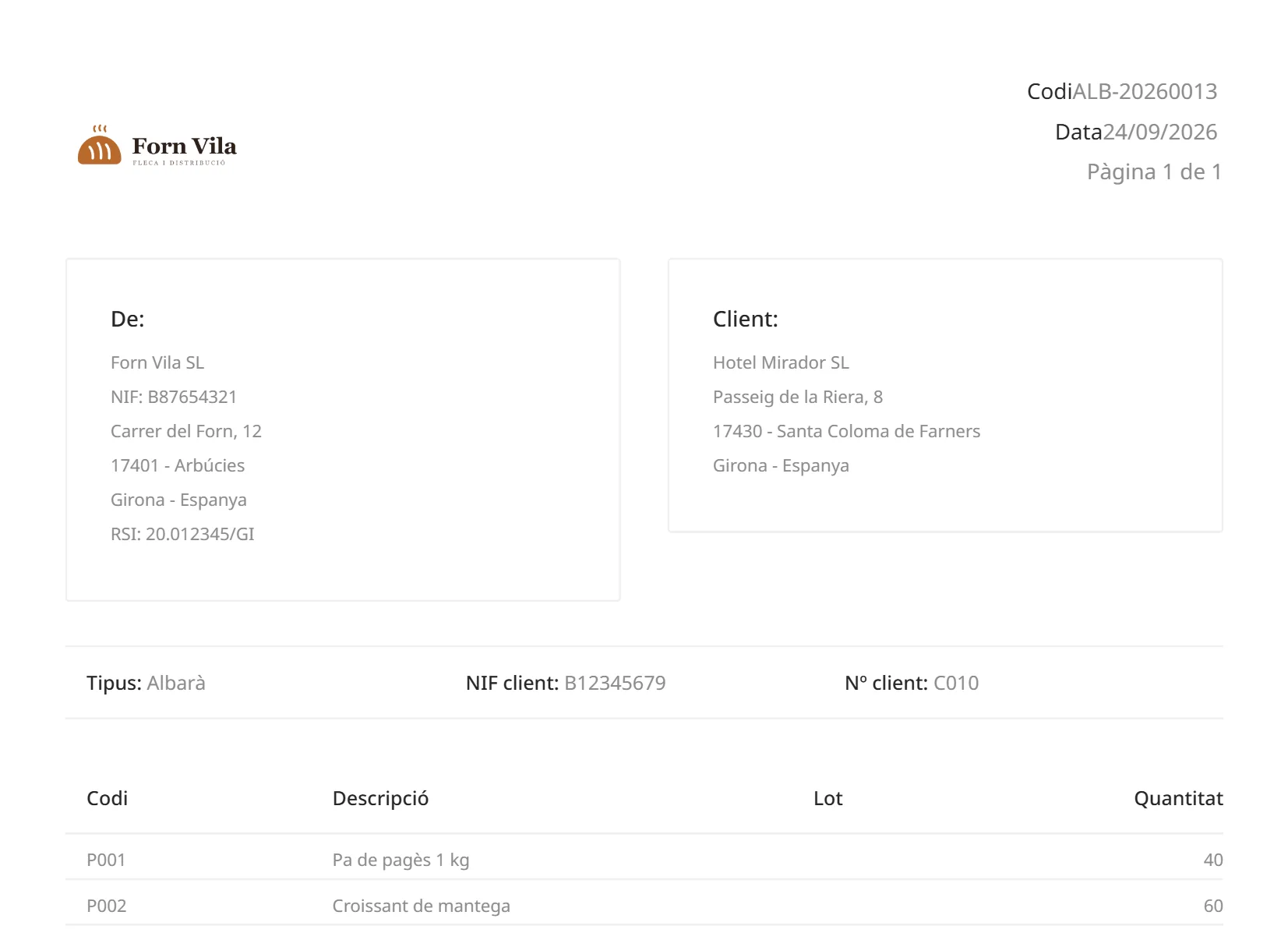
    First page of the PDF of the same delivery note without any price column.

    The same delivery note, with and without prices. Sample data: Forn Vila SL.

  3. An issued invoice is not modified: it is corrected.

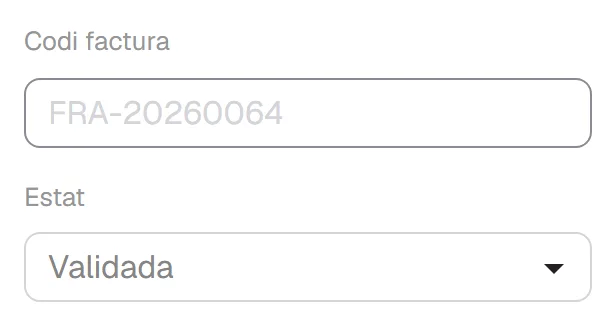
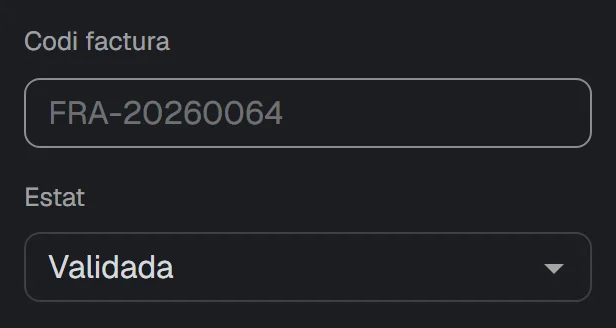
    While it is a draft it has no number and you can change it as much as you like. When you validate it, it is issued: it receives its number and can no longer be modified.

    • If you have made a mistake, you make a corrective invoice, which has its own series.
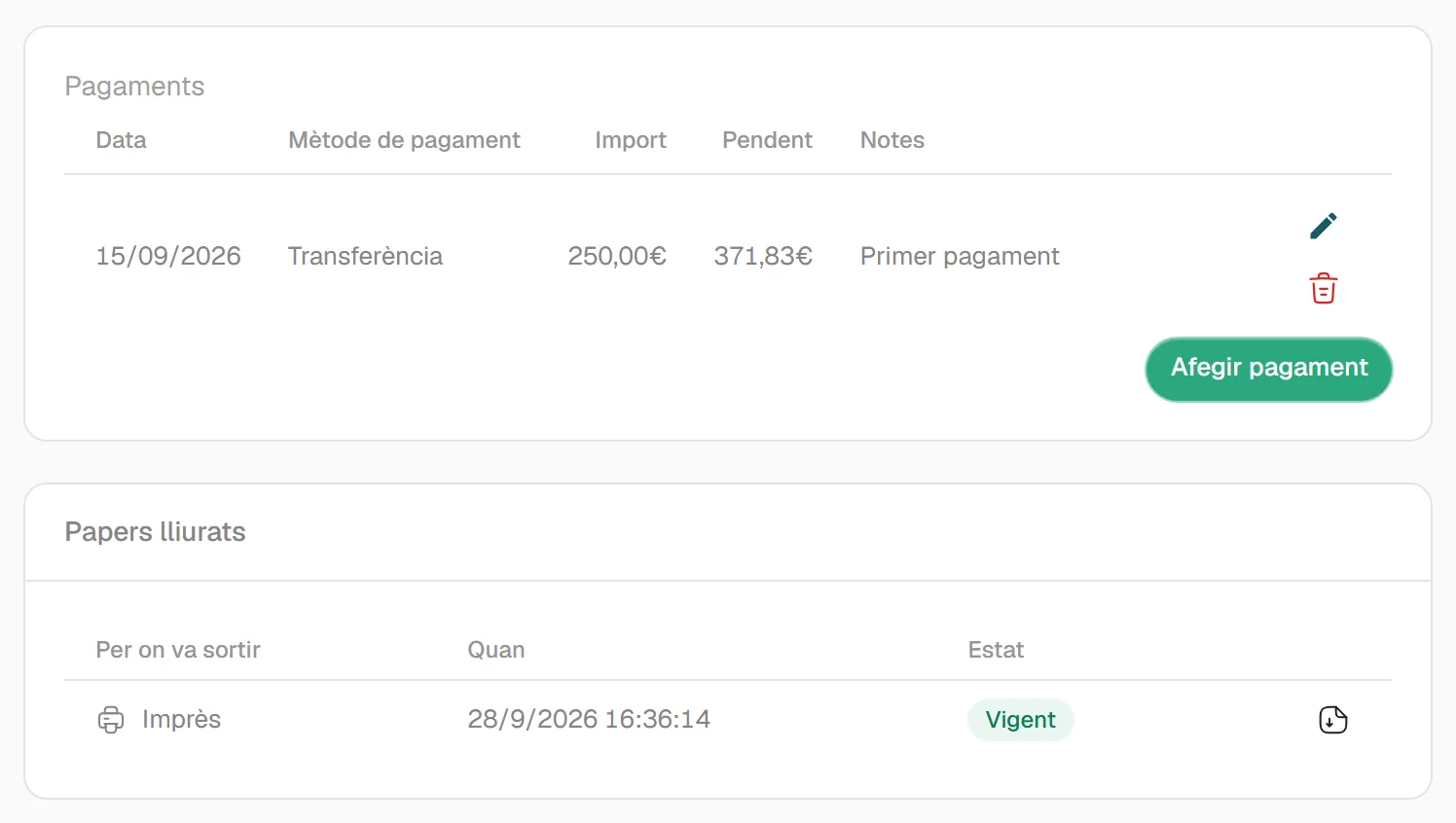
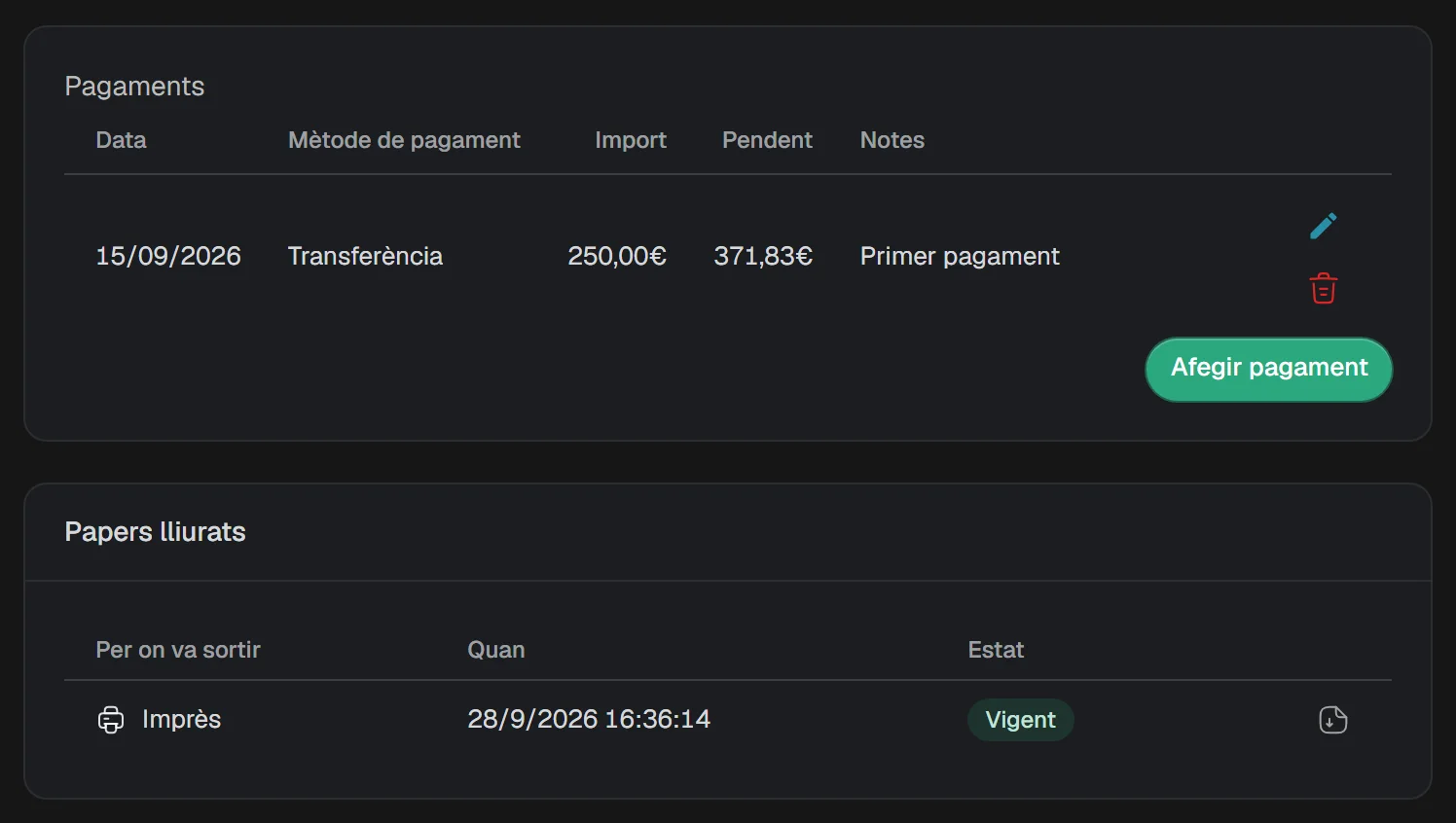
    • You record the payments received on it and see what is still outstanding.
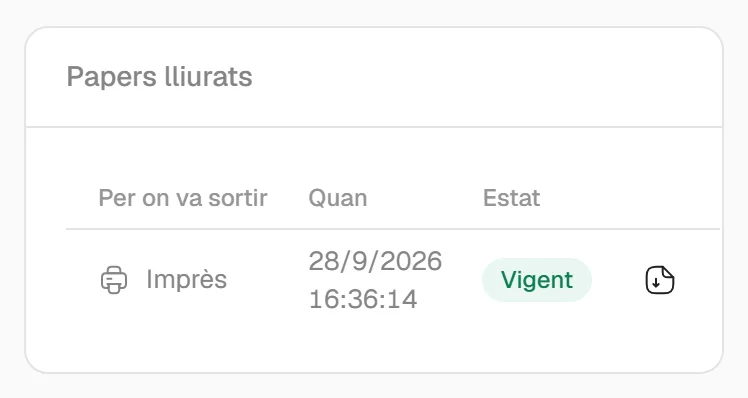
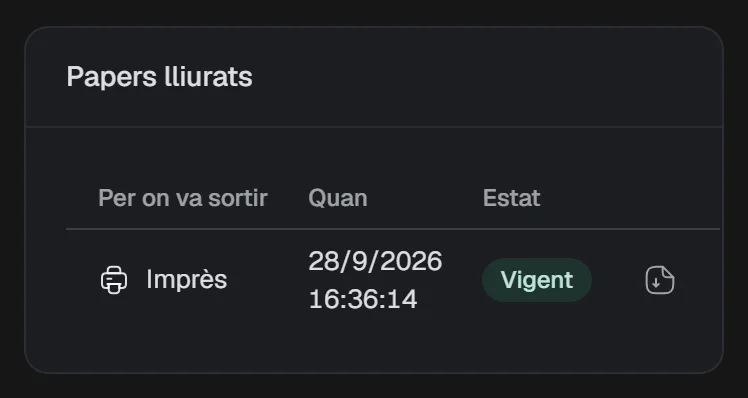
    • Cenobify keeps a copy of the document you print, as it went out.

    Limits

    • This describes how the application works. It is not a tax certification of any kind, and the application does not send invoices to the Spanish tax agency (Agencia Tributaria).
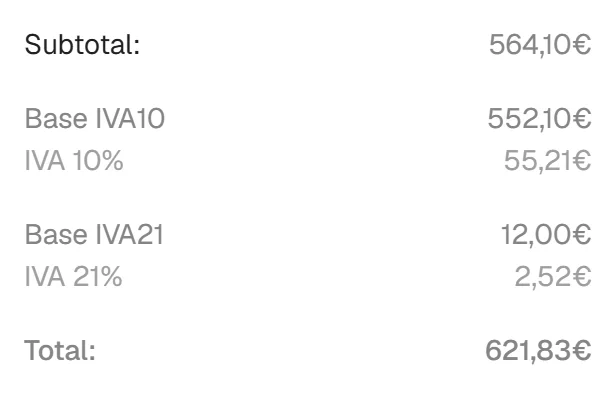
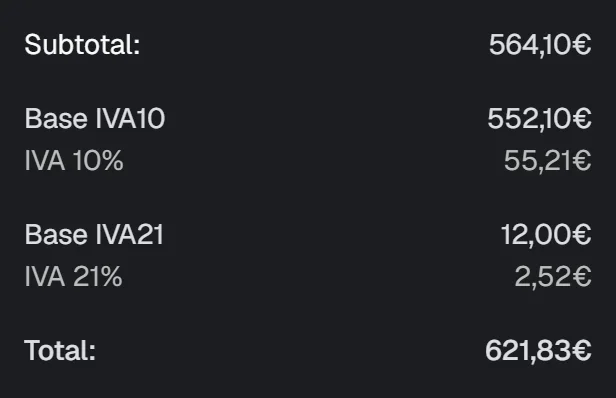
    The totals of an issued invoice, with the tax breakdown.The totals of an issued invoice, with the tax breakdown.
    The totals of an issued invoice, with the tax breakdown. Sample data: Forn Vila SL.

All the detail, in Documents

The warehouse and the office, in the same application

People without a computer work on a shared tablet. The office prints on the printers it already has.

One shared tablet, one PIN per person

Each worker signs in with their own 6-digit PIN. They prepare the orders, note the lot, make the delivery note and clock in and out.

Limits

  • The tablet must be an Android one, and the app is in Catalan.
  • We install it for you from a file; it is not in any app store.
  • Offline, what is done on it waits in a queue and is sent when the connection returns. Not everything works offline.
  • The lot is a piece of text that is printed; it is not traceability.
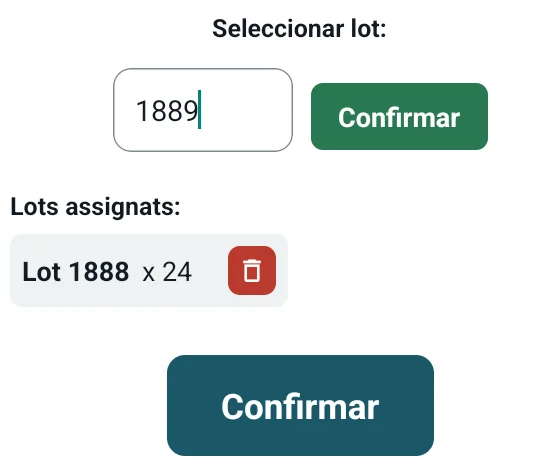
Screen of the tablet app showing an order being prepared.
Tablet app, in Catalan. An order being prepared. Sample data: Forn Vila SL.

The paper comes out of the office printer

You press Print on a delivery note or an invoice and the document goes to the printer you have chosen for that type of document. A small program installed on an office computer does this.

Limits

  • It needs a Windows computer, switched on and logged in.
  • The paper does not come out instantly: it can take half a minute or a little longer.
  • Nothing prints on its own: someone always asks for it.

Everything about the tablet and printing

And around it, the rest

You switch on the modules you use; the rest stay out of the way.

  • Documents with your own look

    A visual editor for each type of document: logo, colours, typeface and columns. The PDF comes out in Catalan, Spanish or English.

    Limits. The design editor only works on a computer.

    Document designs

  • Expenses and supplier invoices

    You upload the supplier’s invoice and Cenobify suggests the data. Nothing is saved until you confirm it.

    Limits. To read it, the content of the invoice is sent to OpenAI. Scanned PDFs without text cannot be read.

    Expenses

  • Tasks and clocking in and out

    Tasks with projects, statuses, comments and hours. Clocking in and out, with schedules and holidays.

    Limits. The clock-in record carries no legal certification.

    Tasks and clocking in and out

  • Several companies and permissions

    A single account for all your companies, and you decide who sees what.

    Limits. We set up the additional companies for you.

    Companies and permissions

We tell you what is there and what is not there yet

Cenobify has not opened to the public yet. That is why you will find no prices here, no client names and no reviews.

Available
It is up and running and can be used today.
Coming soon
We are working on it and it cannot be used yet. We give no date.

What it does and what it doesn’t

Shall we show it to you?

Write to us and we will arrange a time. We will show it to you with a sample company and go through your cases. If Cenobify is not right for you, we will tell you that too.

hola@cenobify.com