
Skip to content
CenobifyCenobify
Sign in
Ask for a demonstrationDemonstration

Quotations, orders, delivery notes and invoices

They are the same work at different moments. In Cenobify, one comes from the other and the lines are typed only once.

QuotationOrderDelivery noteInvoiceQuotationOrderDelivery noteInvoice

What is converted into what

Conversions are always of the whole document.

Where it comes fromWhat it becomes
QuotationDelivery note or invoice
OrderDelivery note
Delivery noteInvoice: a single one, or all those of one client within a date range
QuotationOrderDoes not exist
OrderInvoiceDoes not exist
  • Custom fields do not pass from one document to the next when you convert it. When you clone it, they do.

The quotation, in sections and with a template

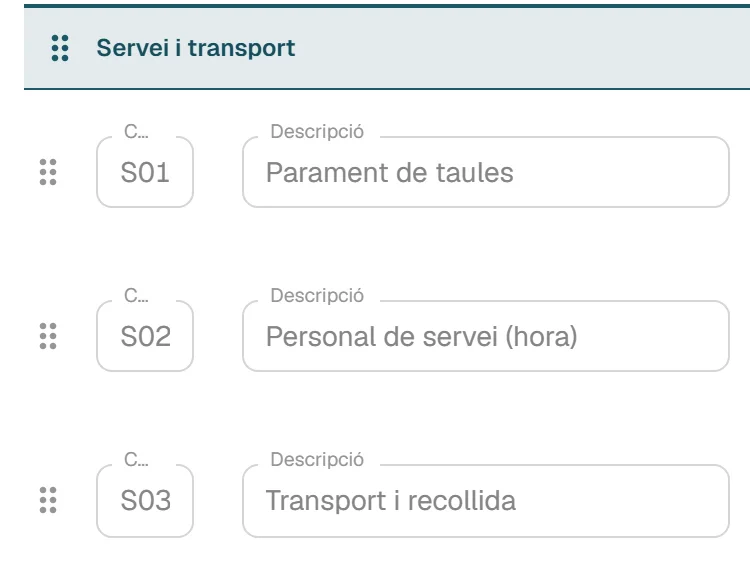
You group the lines into named sections and reorder them by dragging. The quotation you repeat often, you save as a template.

  • If the client has an agreed price for a product, it comes up on its own.
  • Discounts on the line, on the document or on both.
  • You can start from an earlier quotation: you clone it and adjust it.
  • When the client says yes, you convert it into a delivery note or an invoice.

Limits

  • The client cannot accept or sign the quotation online: you change the status yourself.

Tasks and hours are in Tasks and tablet

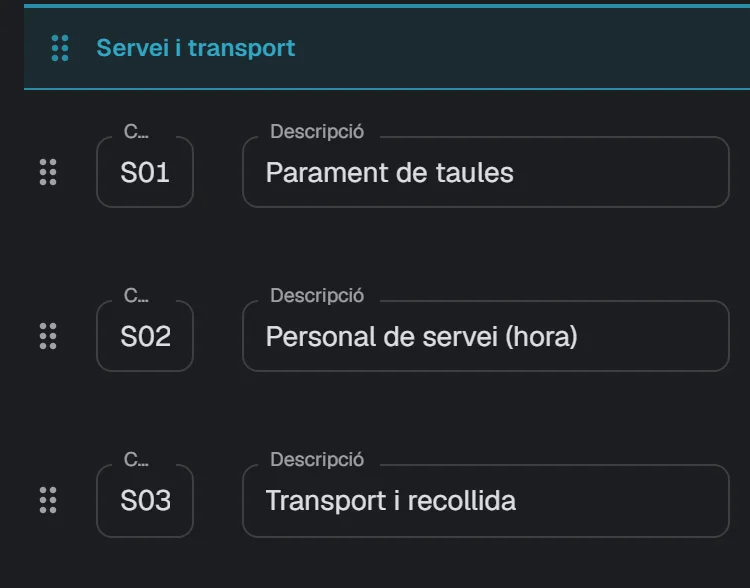
A quotation in sections: one named section and its lines.A quotation in sections: one named section and its lines.
A quotation grouped into sections. Sample data: Forn Vila SL.
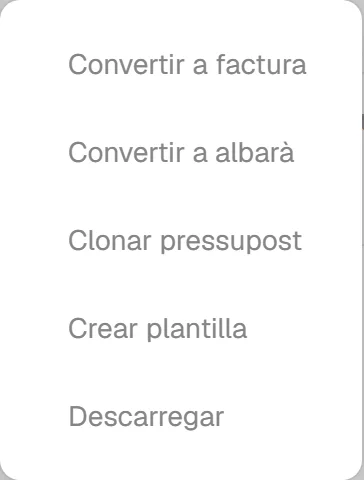
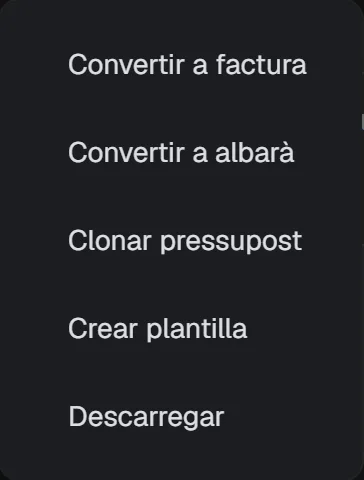
Menu of a row in the list of quotations with the options to convert it into a delivery note or an invoice.Menu of a row in the list of quotations with the options to convert it into a delivery note or an invoice.
The menu of a quotation, with the two conversions. Sample data: Forn Vila SL.

Orders and delivery notes

The order says what the client has asked for and what has been prepared. The delivery note comes out of it with one button and travels with the goods.

  • Numbered delivery notes, with or without prices. You can set it client by client.
  • A lot field on the lines, which is printed.
  • The sanitary registration numbers, RSI and RSIPAC, in the header of the documents.
  • Equivalence surcharge for the clients who need it.

Limits

  • The lot is a piece of text; it is not traceability.
  • RSI and RSIPAC are two numbers printed on the document, nothing more.
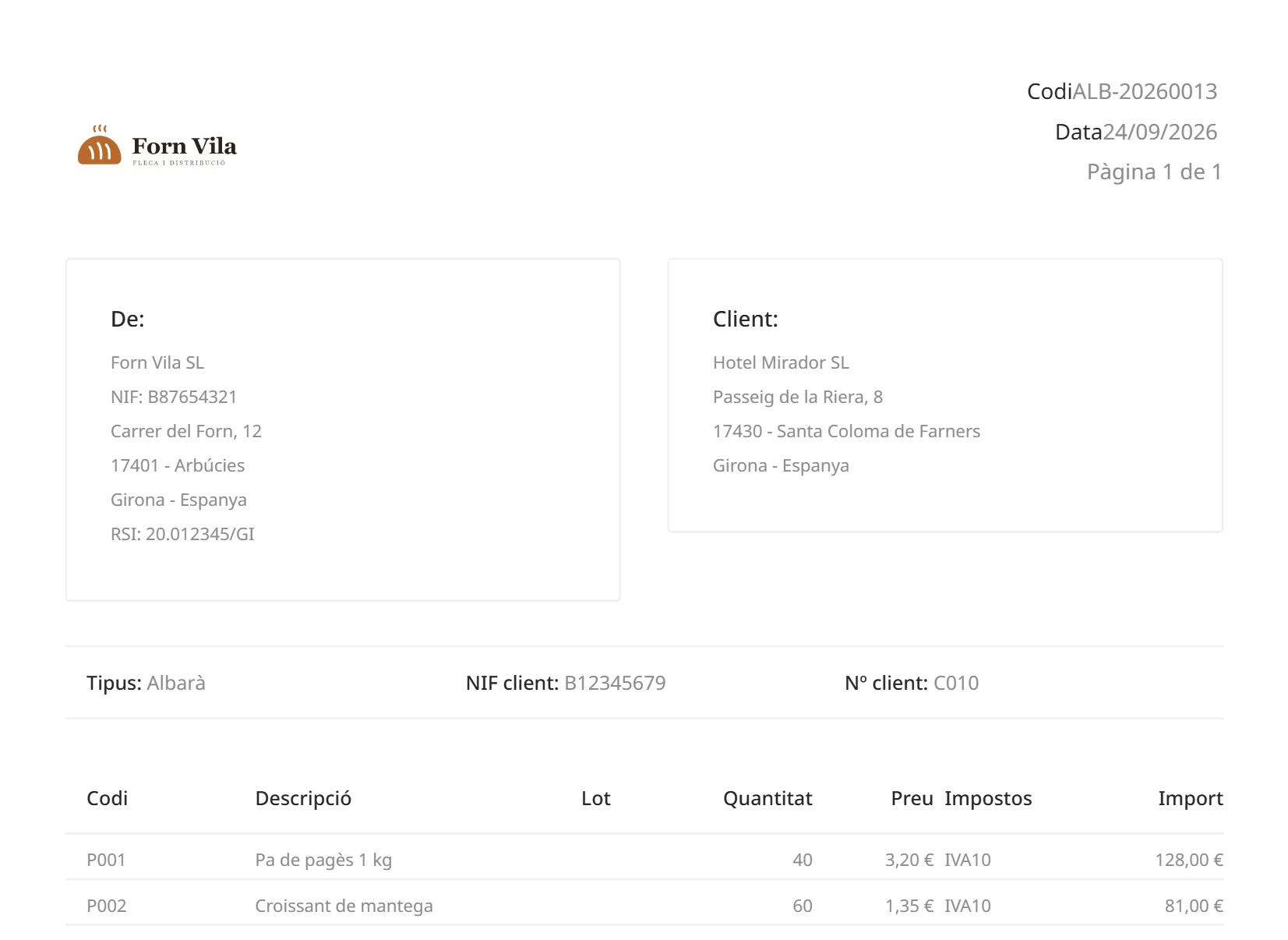
With prices
First page of the PDF of a delivery note with the price column.
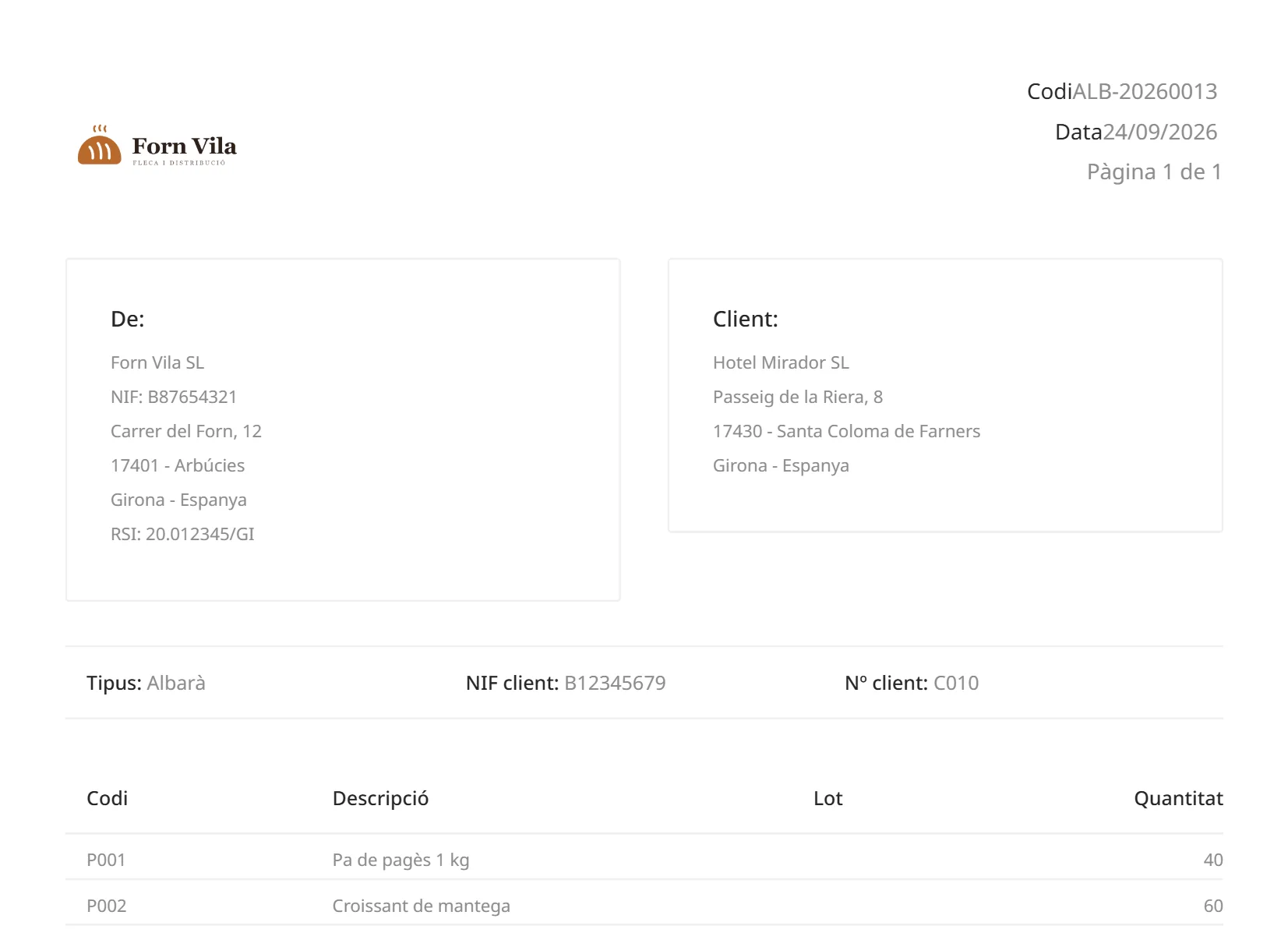
Without prices
First page of the PDF of the same delivery note without any price column.

The same delivery note, with and without prices. Sample data: Forn Vila SL.

Draft, issued, corrected

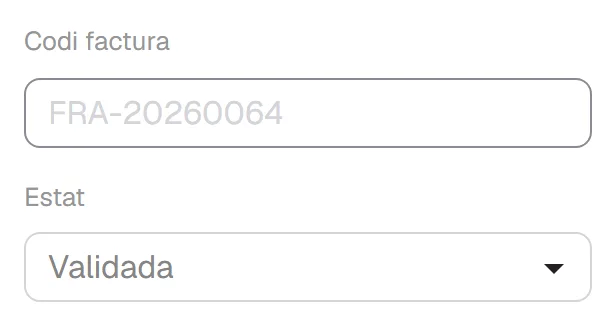
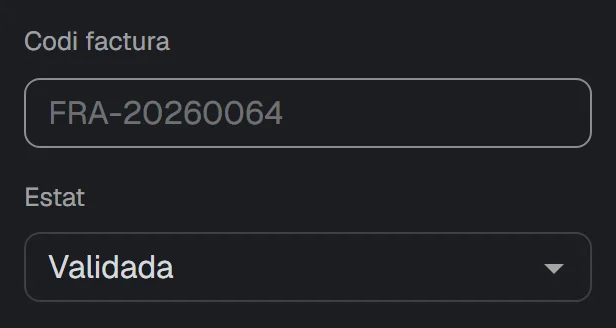
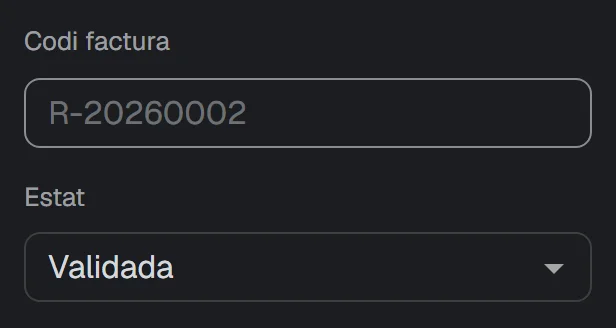
An invoice starts as a draft, without a number. When you validate it, it is issued: it receives its number and can no longer be modified or deleted.

  • The number has the format prefix, year and counter, and is assigned when you validate.
  • Two invoices cannot receive the same number.
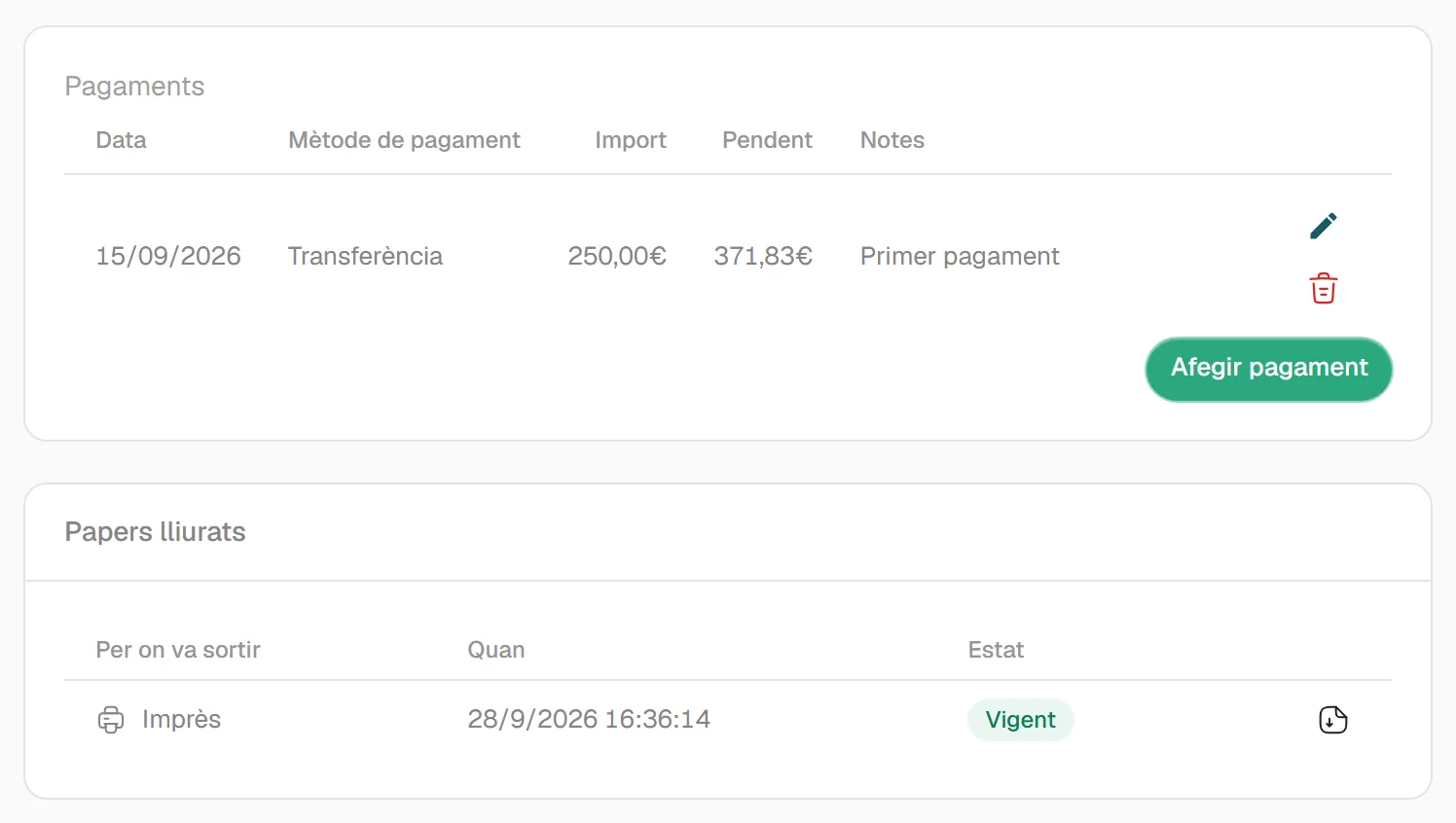
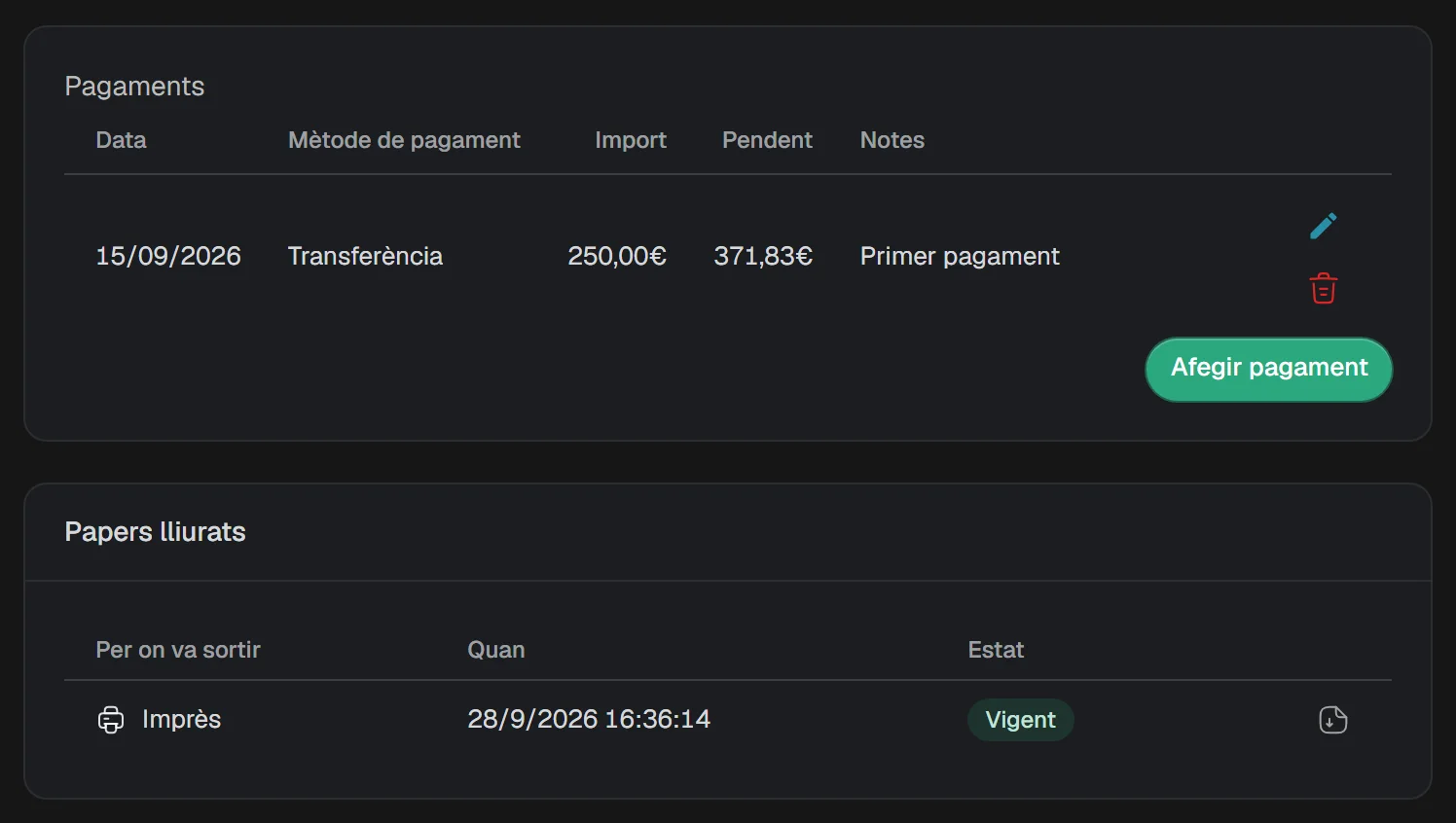
  • You record the payments received on it, as many as needed.
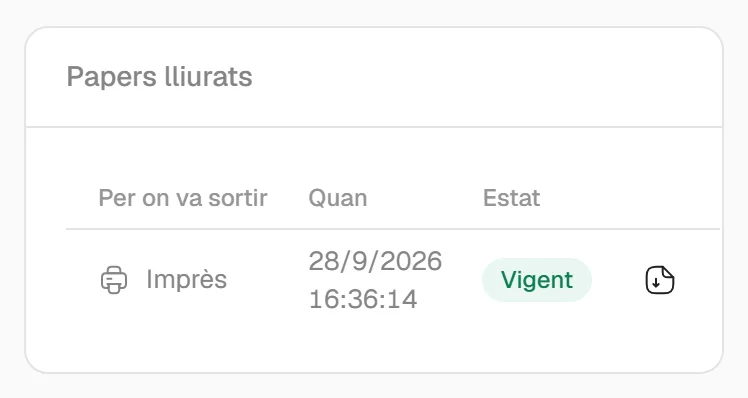
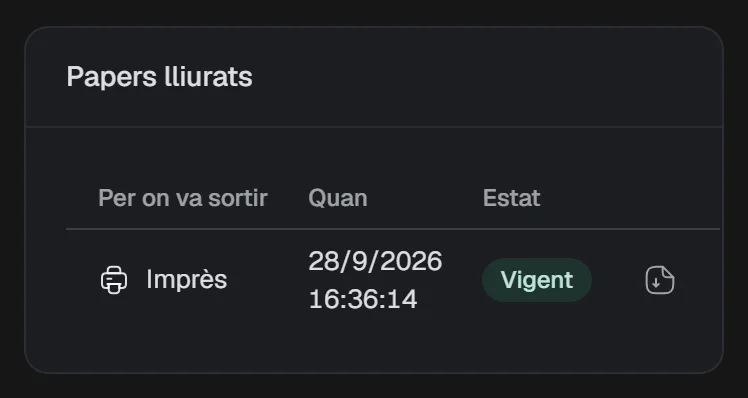
  • The ‘Delivered documents’ panel holds the copy of each document printed from Cenobify, as it went out.
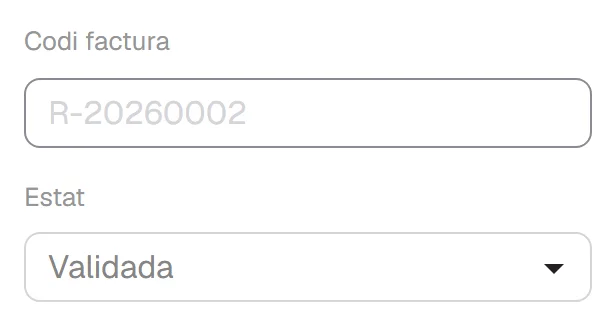
  • The corrective invoice has its own series and can be by differences or by substitution.

Limits

  • A corrective invoice cannot itself be corrected.
  • There is no online payment: you record the payments yourself.
  • It works in euros only.
  • The ‘Delivered documents’ panel is only in the invoice editor.
  • A PDF you download yourself is not kept there.
  • This describes how the application works. It is not a tax certification of any kind. The application does not send invoices to the Spanish tax agency (Agencia Tributaria) and does not do e-invoicing.
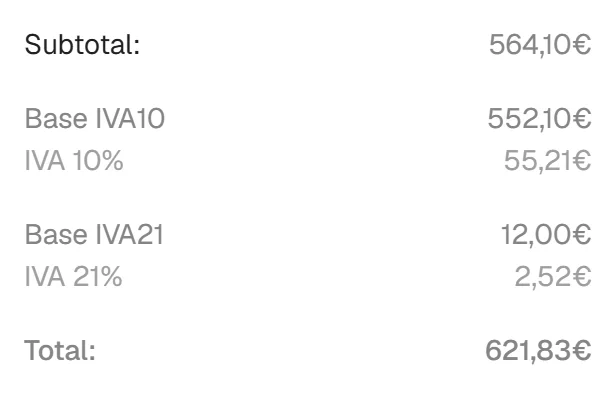
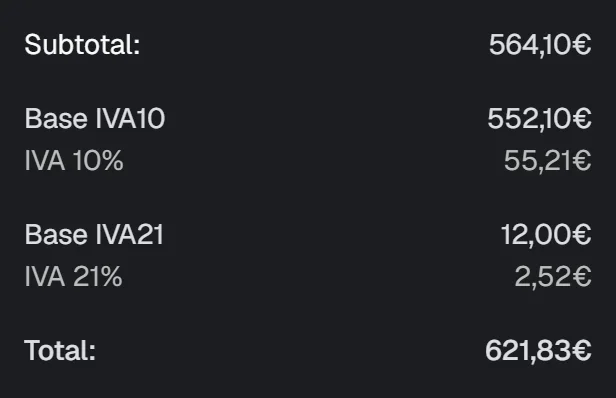
The totals of an issued invoice, with the tax breakdown.The totals of an issued invoice, with the tax breakdown.
The totals of an issued invoice, with the tax breakdown. Sample data: Forn Vila SL.
Issued
Header of an issued invoice, with its number.Header of an issued invoice, with its number.
Corrective
Header of a corrective invoice, with the number from its own series.Header of a corrective invoice, with the number from its own series.

The invoice header at each moment. Sample data: Forn Vila SL.

Documents with your own look

A full-page visual editor for each type of document. You always start from a design that already works, never from a blank sheet.

  • Logo, colours, margins, header and footer.
  • 10 typefaces included.
  • You choose which columns appear, in what order and how wide.
  • If you use pre-printed paper, you set it as the background.
  • In documents of several pages, the ‘Carry forward’ band carries the amount from sheet to sheet.
  • Up to 30 custom fields per type of document, which appear on the PDF.

Limits

  • The design editor only works on a computer.
  • The design is chosen per type of document, not per client or per document.
  • Custom fields belong to the document, not to each line.
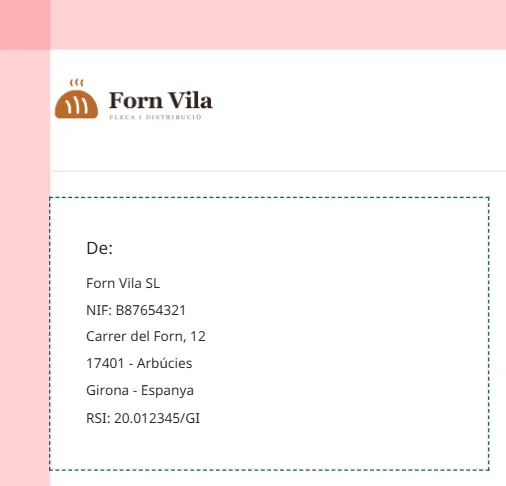
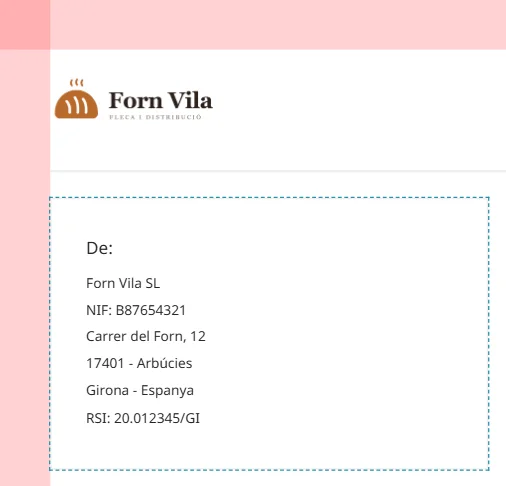
The sheet of a quotation in the design editor, with the logo and the company details.The sheet of a quotation in the design editor, with the logo and the company details.
The sheet of a document, in the design editor. Sample data: Forn Vila SL.
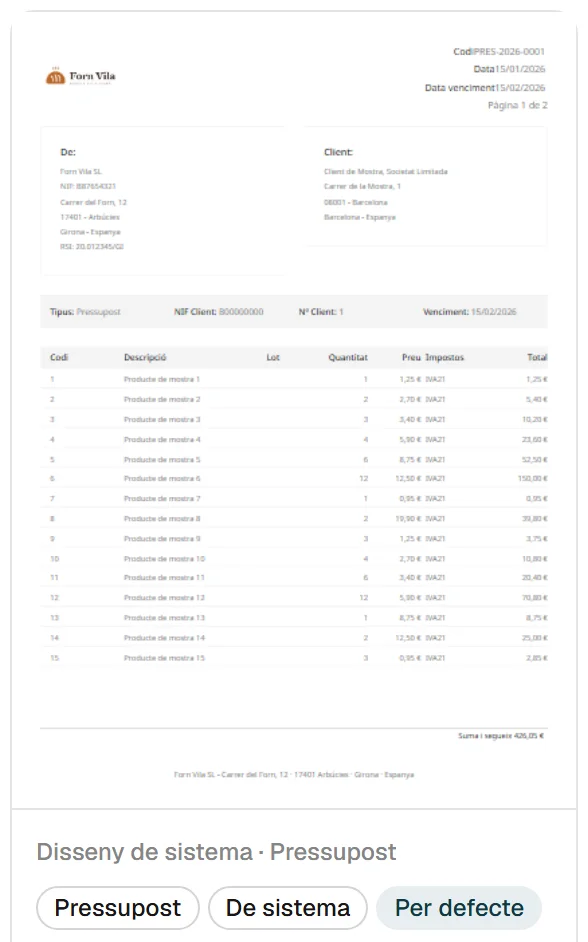
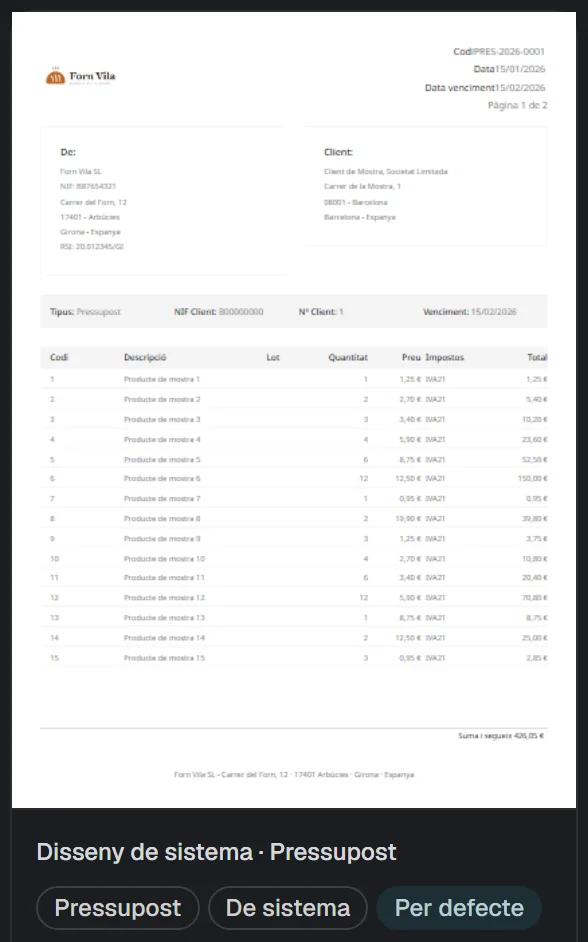
Gallery of designs for one type of document, with the labels for the system design and the default design.Gallery of designs for one type of document, with the labels for the system design and the default design.
The gallery of designs for one type of document. Sample data: Forn Vila SL.

In your client’s language

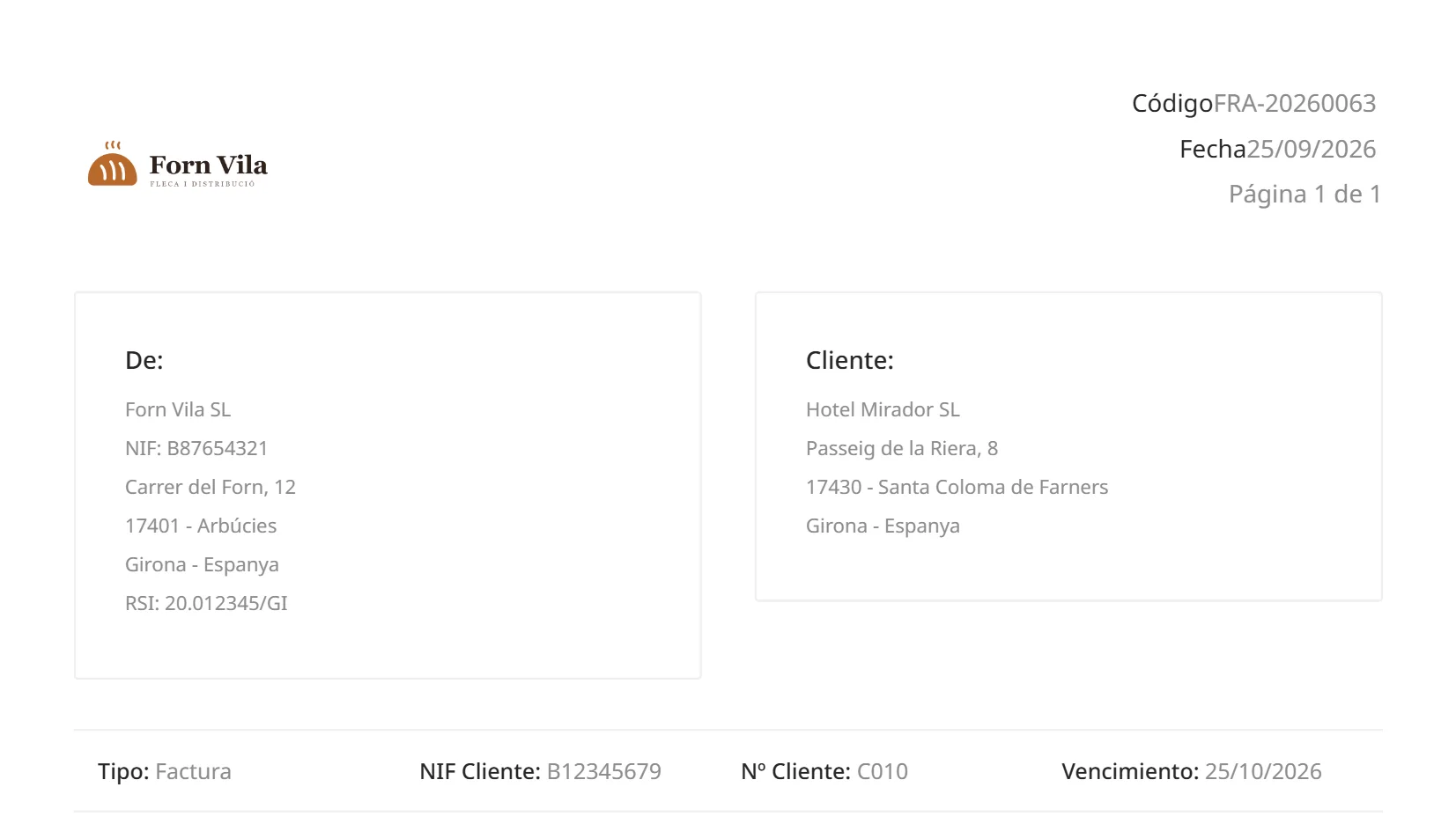
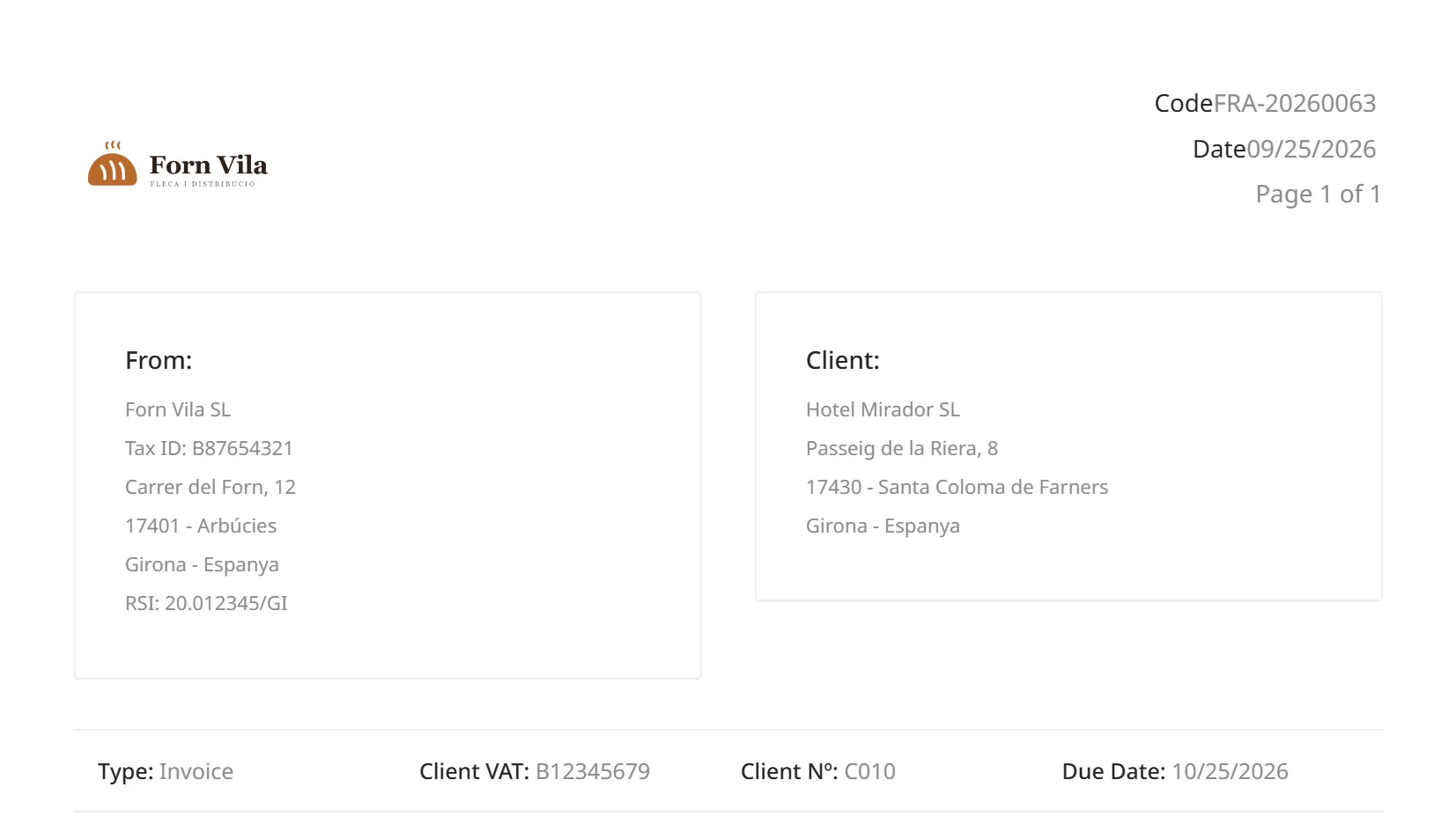
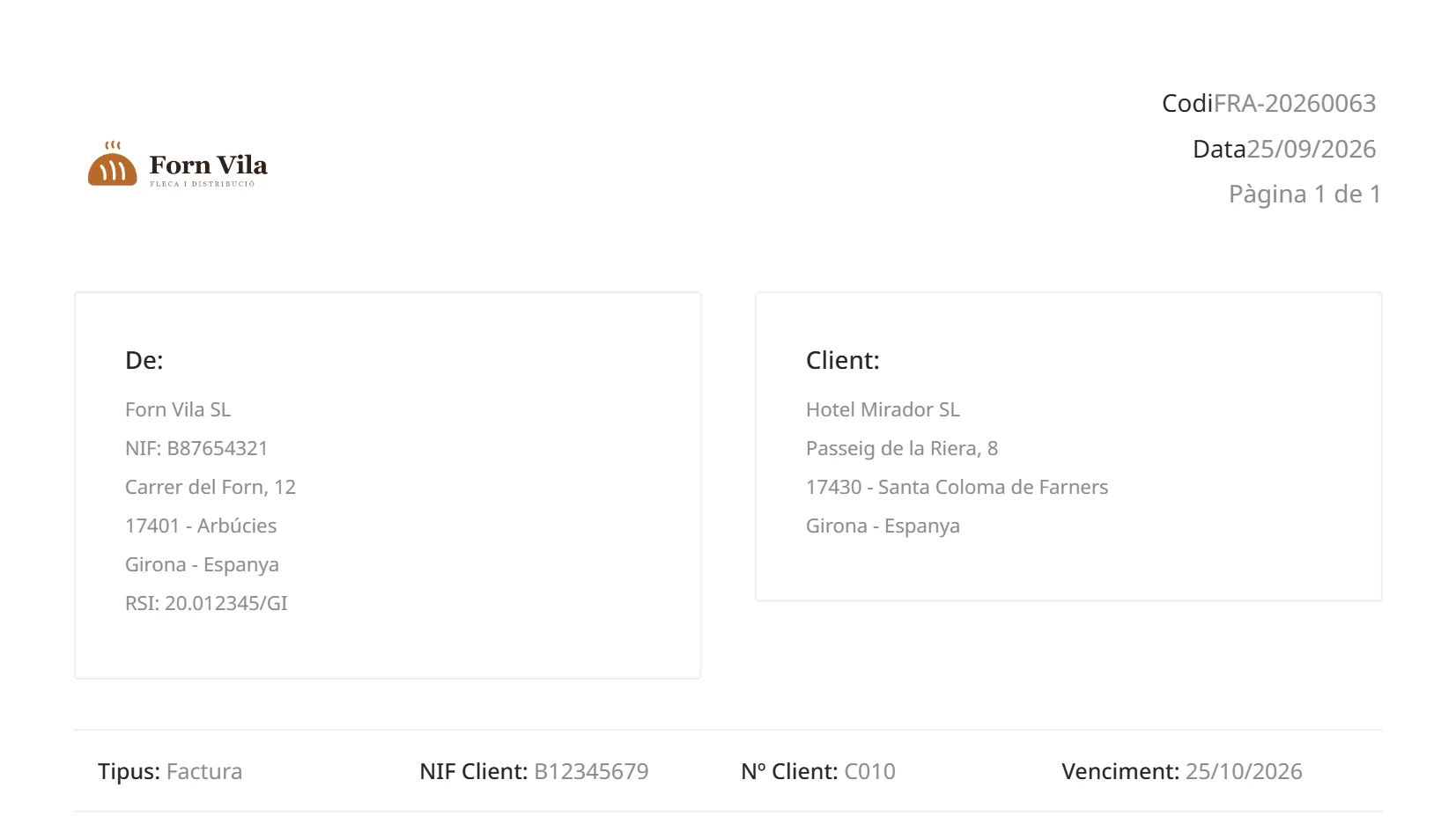
The PDF comes out in Catalan, Spanish or English. The language of the document decides; if it has none, the client’s; and if not, the company’s.

Limits
  • Documents come out in these three languages, and in no other.
Catalan
Header of the PDF of an invoice in Catalan.
Spanish
Header of the PDF of the same invoice in Spanish.
English
Header of the PDF of the same invoice in English.

The same invoice in three languages. Sample data: Forn Vila SL.

Coming soon

We are working on it and it cannot be used yet. We tell you so that you know, not so that you count on it. We give no date.

  • Invoicing of pending delivery notes, client by clientComing soon
  • Sending of quotations, delivery notes and invoices by email, with the PDF attachedComing soon
  • Client portal: a link with no password for downloading issued invoicesComing soon
  • Recurring billing: monthly, quarterly, half-yearly or yearly plans for fees and maintenance contractsComing soon

Would you like to see it with your own delivery notes?

Write to us and we will show you the path of a document, from start to finish.

hola@cenobify.com