

Tasks, clocking in and out, tablet and printing
Anyone without a computer works on a shared tablet. What they do there is recorded on the same order the office sees.
Anyone without a computer works on a shared tablet. What they do there is recorded on the same order the office sees.
A computer with an up-to-date browser.
An Android tablet. The app is in Catalan and we install it for you from a file.
A Windows computer in the office, switched on and logged in.
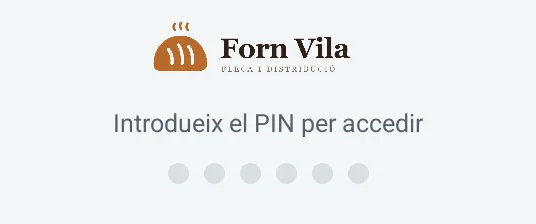
The tablet belongs to everyone. Each worker signs in with their own 6-digit PIN and chooses what to do.
Limits
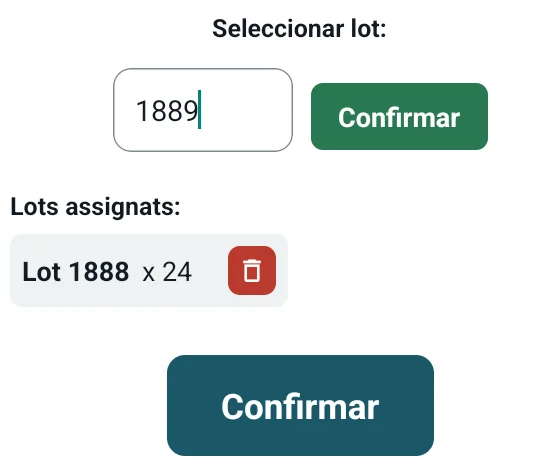
The tablet shows the last data it had downloaded. What is done on it goes into a queue and is sent when the connection comes back. If something could not be sent, it appears in a list and can be tried again.
Limits

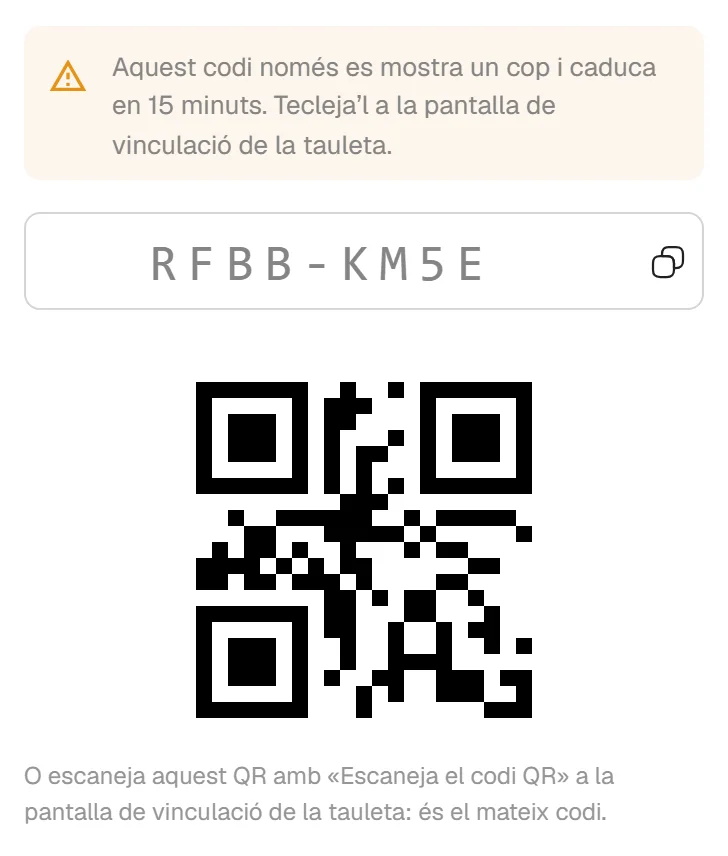
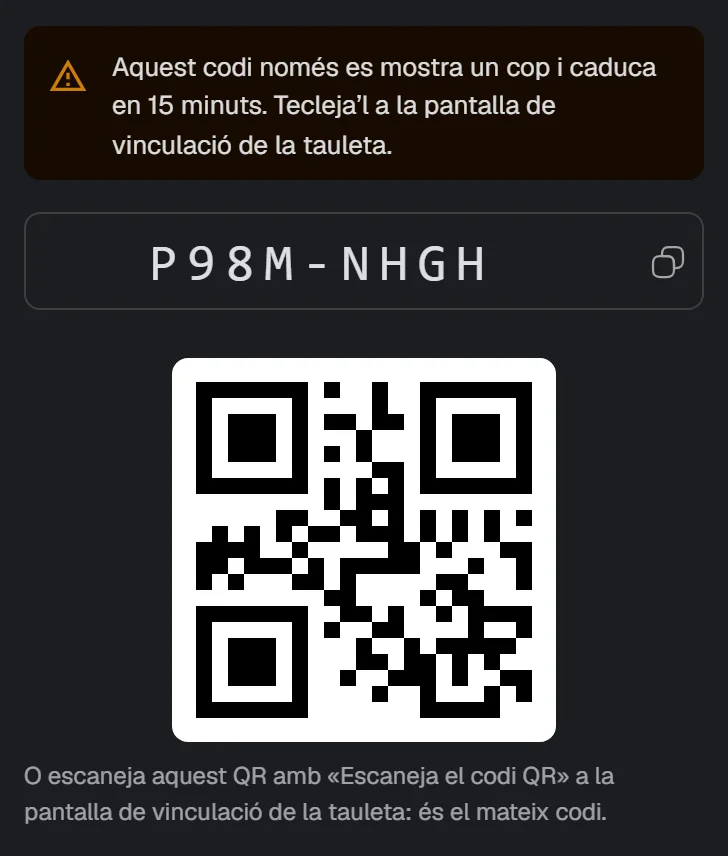
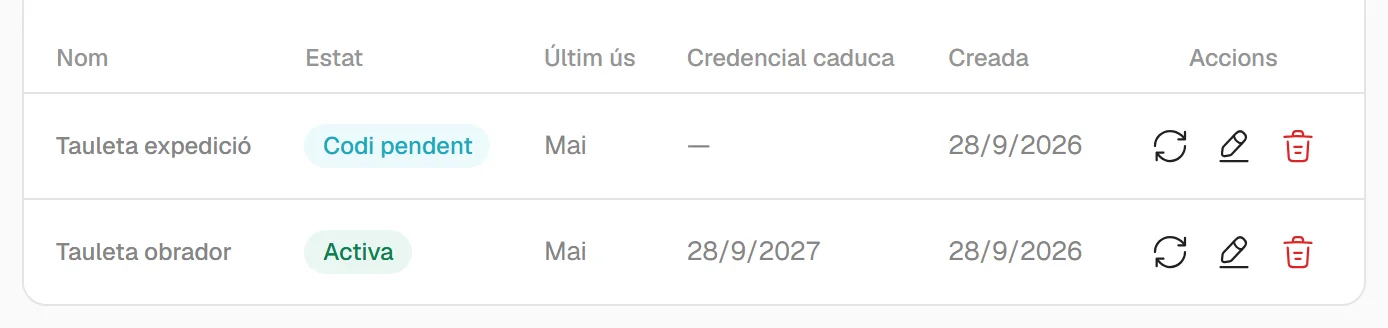
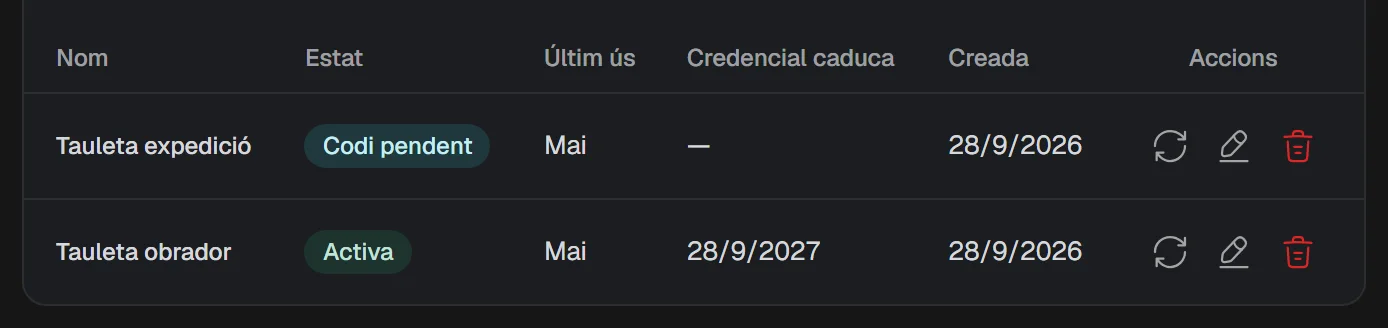
In the application you generate an activation code, which is also shown as a QR code. The tablet scans it, or you type it in.
Limits
Clocking in, clocking out and incidents, from the tablet or from the application. A clock-in record cannot be deleted; if a time is corrected, the original stays visible next to it.
Limits


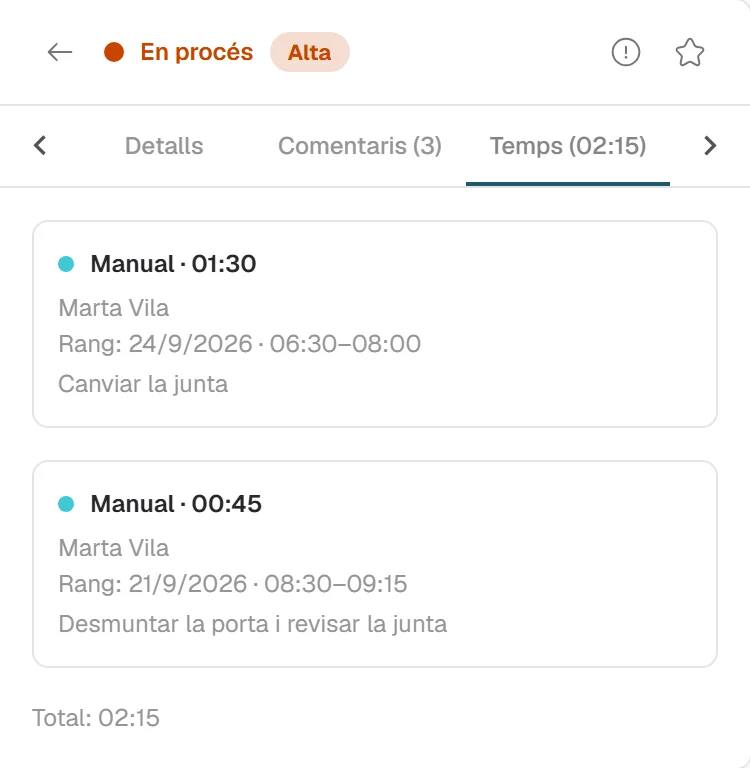
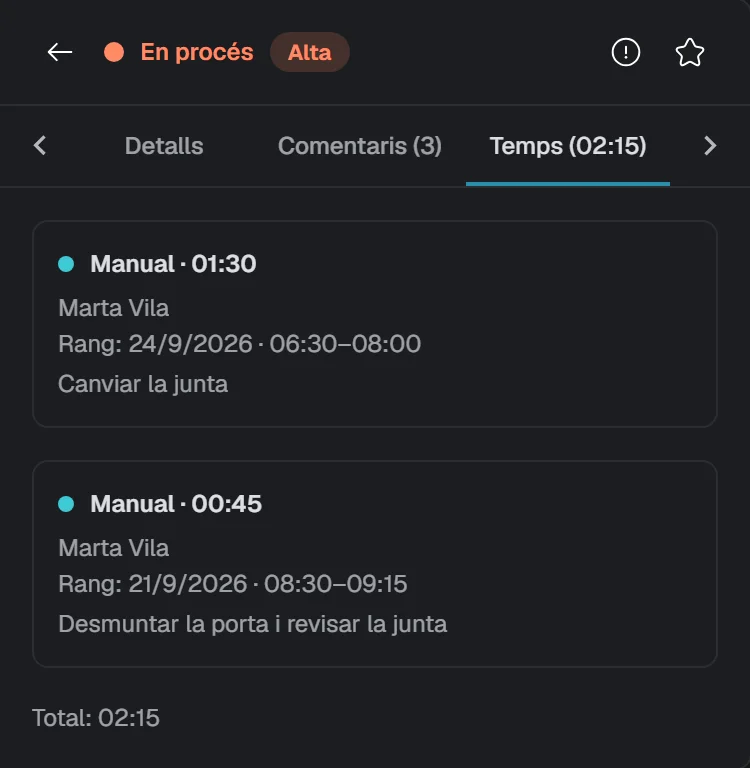
Each task has its project, its category, its status and its priority. You add comments and hours to it, and the history of what has changed is kept.
Limits
A small program, installed on a computer in the office, collects the documents someone has sent to print and passes them to the printer.
Limits
We are working on it and it cannot be used yet. We tell you so that you know, not so that you count on it. We give no date.
We will show you what already works and tell you what is missing.
hola@cenobify.com