

All the modules, with the status of each one
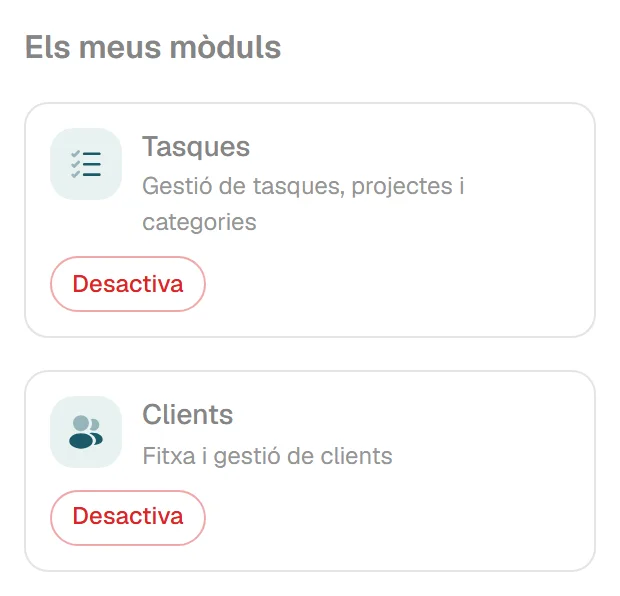
You activate the ones you use; the rest stay out of the way. If you deactivate one, its data is kept.
You activate the ones you use; the rest stay out of the way. If you deactivate one, its data is kept.
Some modules have to be opened by us before you can activate them.
From the first quotation to the payment.
Quotations with sections and templates, or copied from an earlier one.
Limits. No online acceptance or signature.
Quantity ordered, whether each line has been prepared, and the delivery note with one button.
Numbered, with or without prices.
Invoicing of pending delivery notes, client by client
A draft until you validate it. After that, a number, read-only, and payments recorded.
Limits. In euros only.
In a series of their own, by differences or by substitution.
Limits. A corrective invoice cannot itself be corrected.
Client portal: a link with no password for downloading issued invoices
Recurring billing: monthly, quarterly, half-yearly or yearly plans for fees and maintenance contracts
How they look and how they reach the client.
A visual editor for each type of document.
Limits. On a computer only.
Up to 30 fields per type of document, which appear on the PDF.
Limits. They do not carry over from one document to the next when you convert it.
Catalan, Spanish or English, depending on the document, the client or the company.
Sending of quotations, delivery notes and invoices by email, with the PDF attached
A lot field on the lines, which is printed.
Limits. It is a piece of text, not traceability.
The RSI and RSIPAC numbers, printed in the header of the documents.
Limits. Two printed numbers, nothing more.
Deleting a client, a product or a supplier archives it: old documents keep it.
A record with email addresses for each use, payment terms, language and printing preference.
Goods and services, with price, taxes and image.
Limits. They cannot be imported from a spreadsheet.
A fixed price per product and client, which comes up on its own when you make the document.
Limits. They are not price lists or volume prices.
On the line, on the document or on both.
Limits. You enter them yourself on each document.
A record with tax and bank details.
Limits. Optional module.
Cenobify proposes the supplier and the totals from the PDF or the photo. Nothing is saved until you confirm it.
Limits
The record of invoices received, one row per invoice, with several tax bases.
Limits. Optional module.
It proposes the data from the PDF or the photo; you confirm.
Limits. It goes through OpenAI. It does not read scans with no text.
Expenses with the lines of the supplier’s invoice
With projects, categories, statuses, comments and hours.
Limits. As a list.
Clock-ins, clock-outs, incidents and corrections, with a monthly PDF per worker.
Limits. With no legal certification.
Each worker’s record with their PIN, schedules, company holidays and staff holidays.
For preparing orders and clocking in and out on a shared tablet.
Limits. Android, in Catalan, installed by us.
Linking, renaming and revoking tablets from the application.
Delivery notes and invoices come out of the office printers.
Limits. It needs a Windows computer that is logged in. It is not immediate.
Task calendar by day, week and month
Assigning tasks to workers
Trips per kilometre or at a fixed price
Invoicing of the task: hours, materials and trips on a draft invoice
Email notices to the client and a task tracking page, with no password
Tasks mode on the tablet: the tasks assigned to each worker
When you sign in you see the month’s invoicing, the expenses, the quotations and the month’s invoices awaiting payment.
Limits
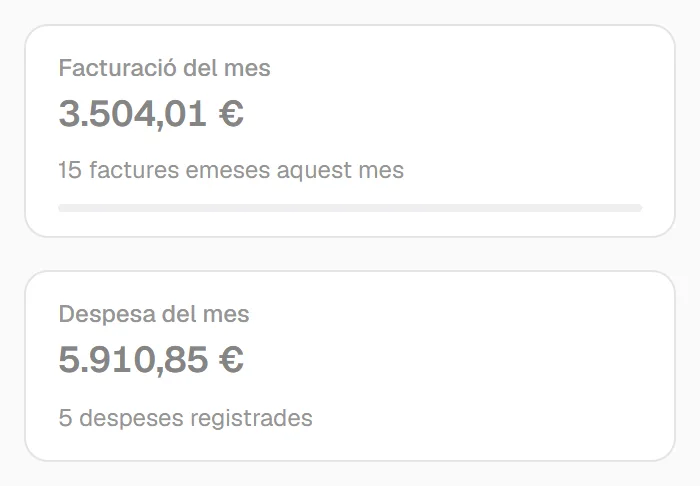
The month’s figures and a summary of activity.
Limits. Fixed screen.
Ready-made listings of clients, delivery notes, invoices and expenses, in Catalan, Spanish or English.
Limits. In PDF only.
Statistics on sales, payments received, expenses and taxes
You sign in once and switch company from the header. Each company has its own data, its own numbering, its own modules and its own look.
Limits
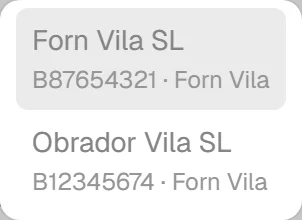
There are ready-made roles and you can create your own, permission by permission.
Limits
When support has to enter your company, they must write down the reason. By default they can only look. While it lasts, there is a notice on the screen, and the access is recorded in your activity log.
Limits
One account and a company switch in the header.
Limits. We set them up.
Ready-made roles and your own roles, permission by permission.
Limits. Per role and per company.
They are activated and deactivated without losing data.
Each company’s logo and colours in the application and on the documents.
Sign-ins, changes to roles and modules, and support access.
Limits. It does not record every change to every document.
With a written reason, a notice on the screen and an entry in your log.
Tell us what you do and we will tell you.
hola@cenobify.com